Limitly - Limit your time on websites
What it does
Limitly is a Chrome Extension that helps you stay productive and focused by limiting your time on specific websites. By categorizing websites and keeping track of your browsing habits, Limitly actively helps you prevent endless scrolling and time-wasting.
Why use it
- Stay Focused: Prevent distractions by blocking or limiting access to time-consuming websites.
- Form Better Habits: Become aware of how you spend your time online and make conscious choices.
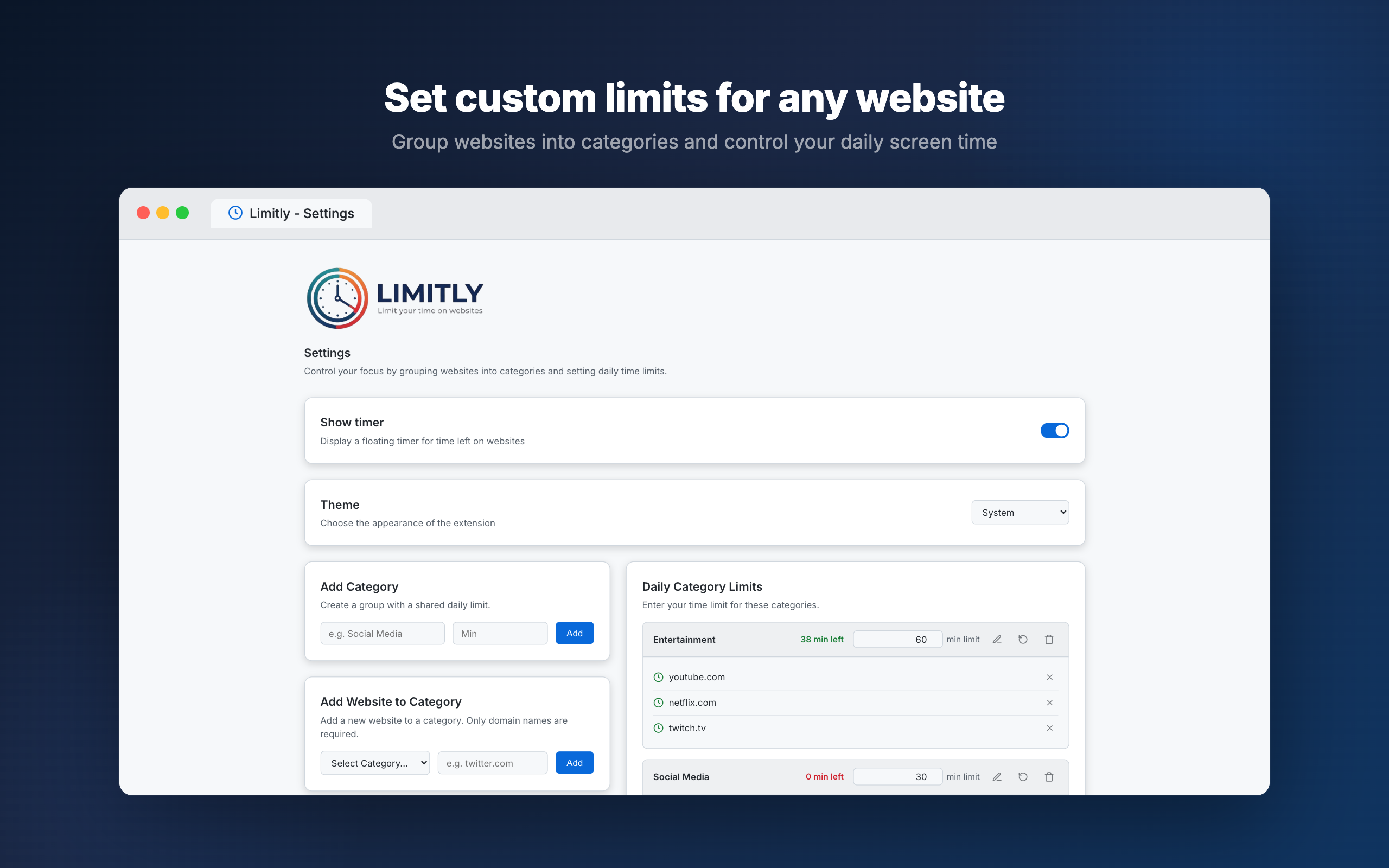
- Customizable: Categorize websites and set custom time limits based on your personal needs.
- Privacy First: Your data operates locally on your browser.
Chrome Store
Download and install Limitly directly from the Chrome Web Store:

Screenshots
How to use it
- Click on the Limitly icon in your browser toolbar to open the popup.
- Open the Settings (Options page).
- Add websites you want to restrict and assign them to a category.
- Set daily time limits for those categories.
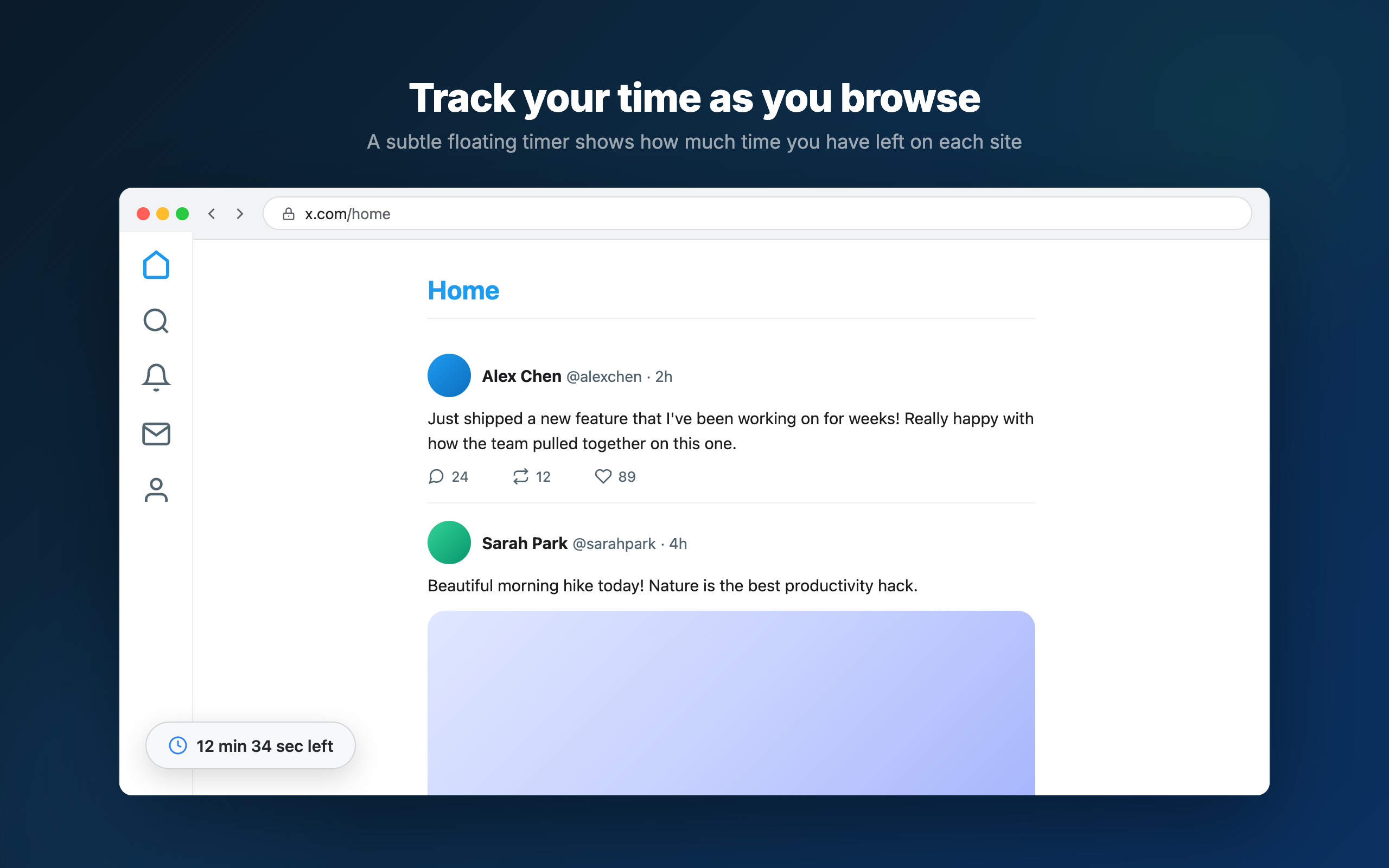
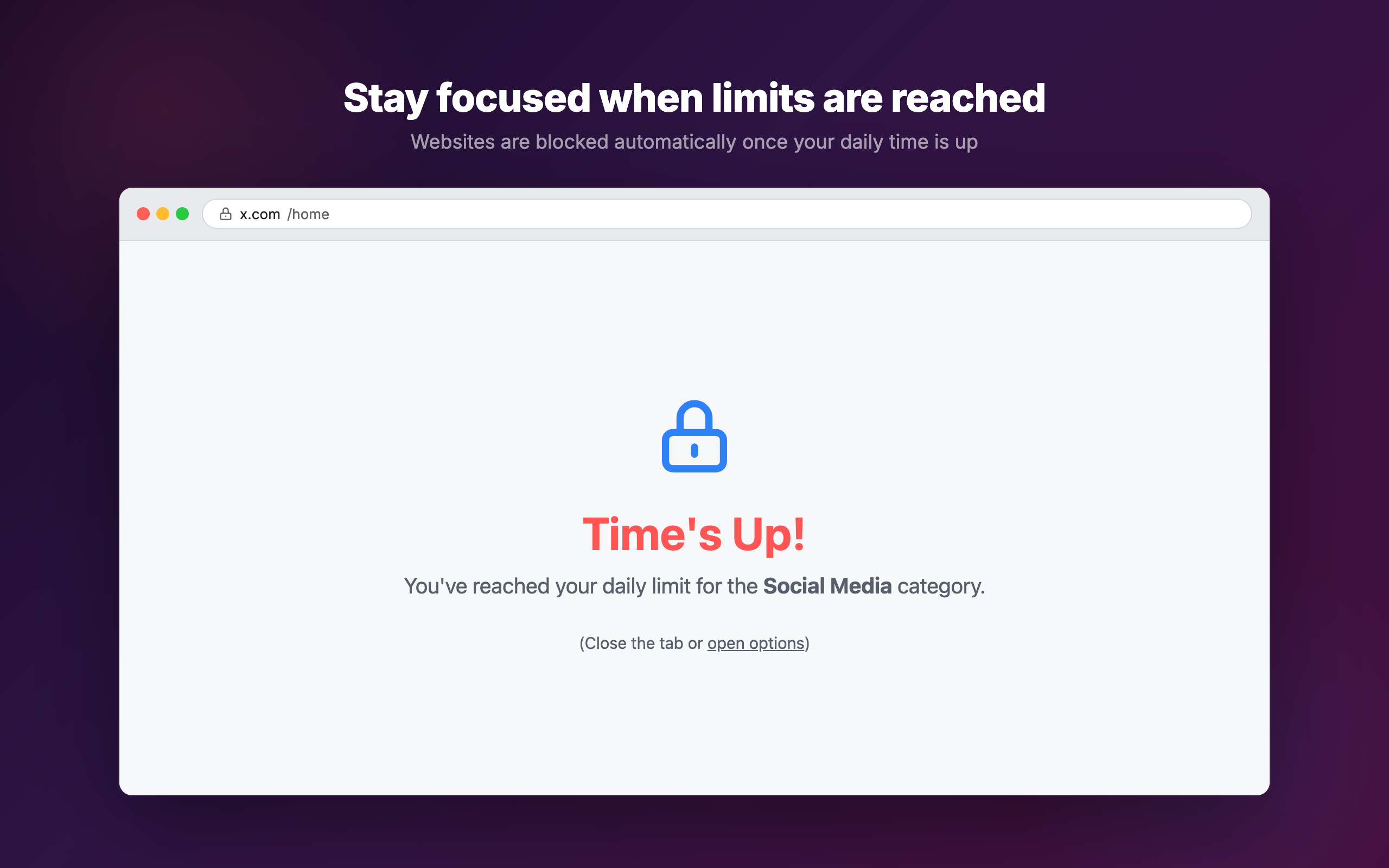
- Limitly will track your time on these websites and block them once you reach your daily allowance.
Privacy
This extension collects no user data whatsoever. All processing happens locally in your browser. See the full Privacy Policy.
How to install it (Manual Installation)
If you prefer to install the extension manually from the source code, follow these steps:
- Clone this repository or download the ZIP file.
git clone https://github.com/renefs/limitly.git - Open Google Chrome and navigate to
chrome://extensions/. - Enable Developer mode in the top right corner.
- Click on Load unpacked.
- Select the
extension/directory from the cloned repository. - The extension is now installed and ready to use!
Development
To kickstart development with this extension:
- Clone the repository.
- The core source code for the extension is located in the
extension/directory.manifest.json: Configuration and metadata.js/: Background service workers, content scripts, and UI logic.html/: Popup and options page structure.styles/: CSS for UI elements.
- Make your changes and reload the extension from
chrome://extensions/by clicking the refresh icon on the Limitly card.
Packaging
Build the extension zip for distribution:
npm run build
This creates a limitly.zip file ready for upload to the Chrome Web Store.
To clean up build artifacts:
npm run clean
Contributing
Contributions are always welcome!
- Fork the project.
- Create your feature branch (
git checkout -b feature/AmazingFeature). - Commit your changes (
git commit -m 'Add some AmazingFeature'). - Push to the branch (
git push origin feature/AmazingFeature). - Open a Pull Request.
Please ensure your code follows the existing style and is well documented.
License
This project is licensed under the MIT License - see the LICENSE file for details.